
Step 1
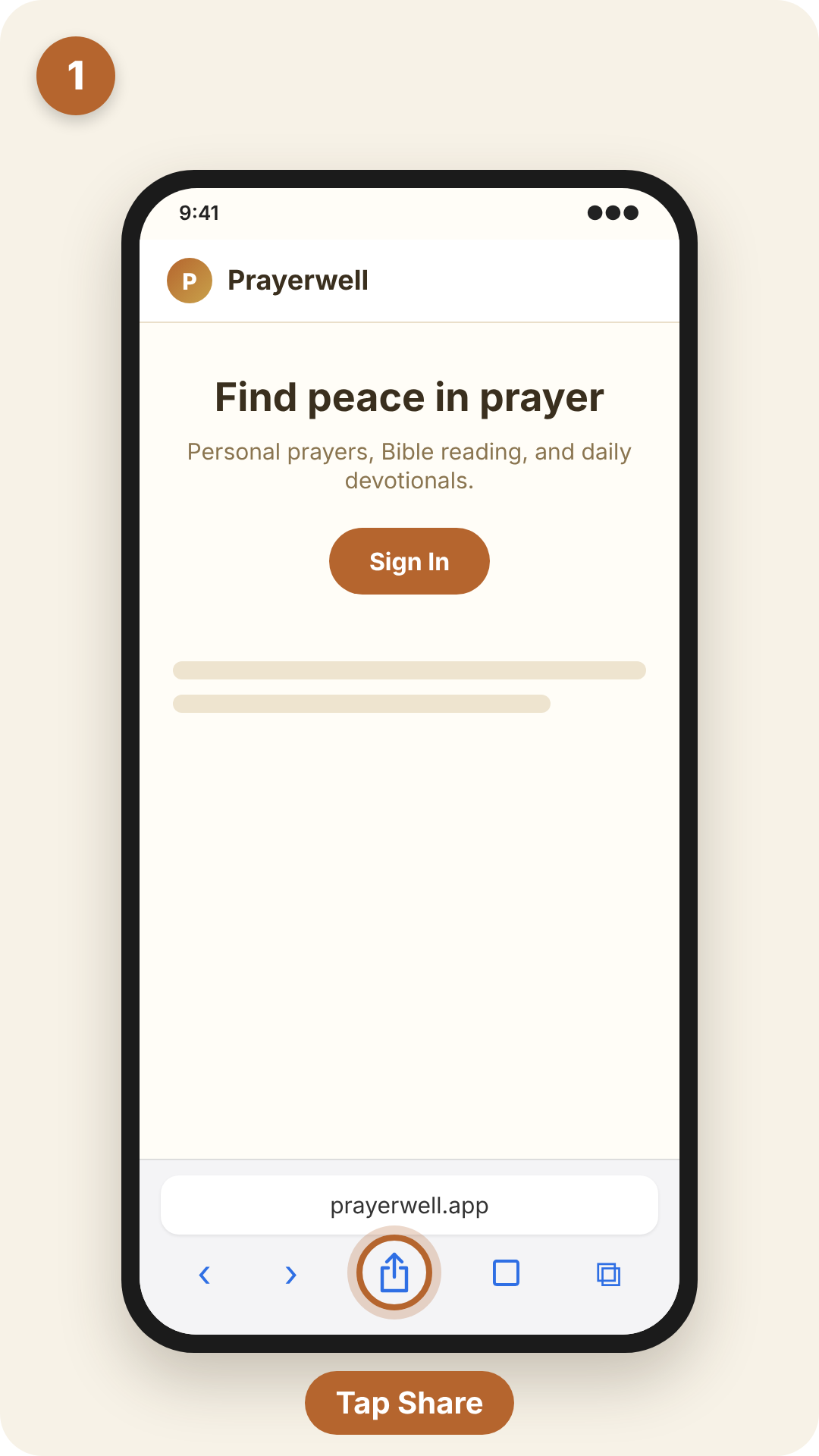
Open prayerwell.app in Safari and tap the Share button.
On newer versions of iOS, the Share button may be inside the ••• menu.
Add Prayerwell to your home screen. It opens full screen like an app, no app store needed.
Step 1
Open prayerwell.app in Safari and tap the Share button.
On newer versions of iOS, the Share button may be inside the ••• menu.
Step 2
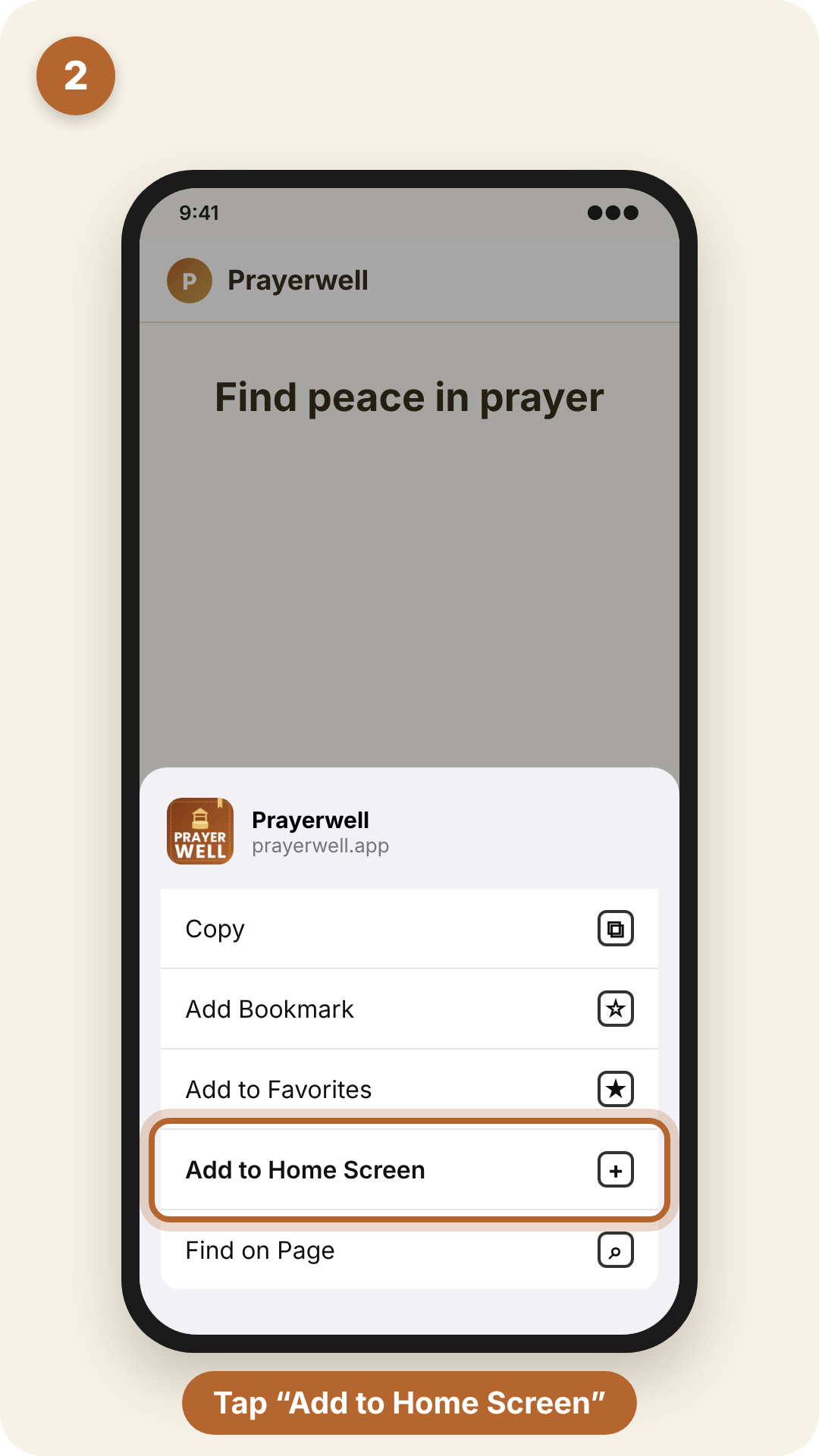
Scroll down and tap Add to Home Screen. (You may need to tap View More first.)
Step 3
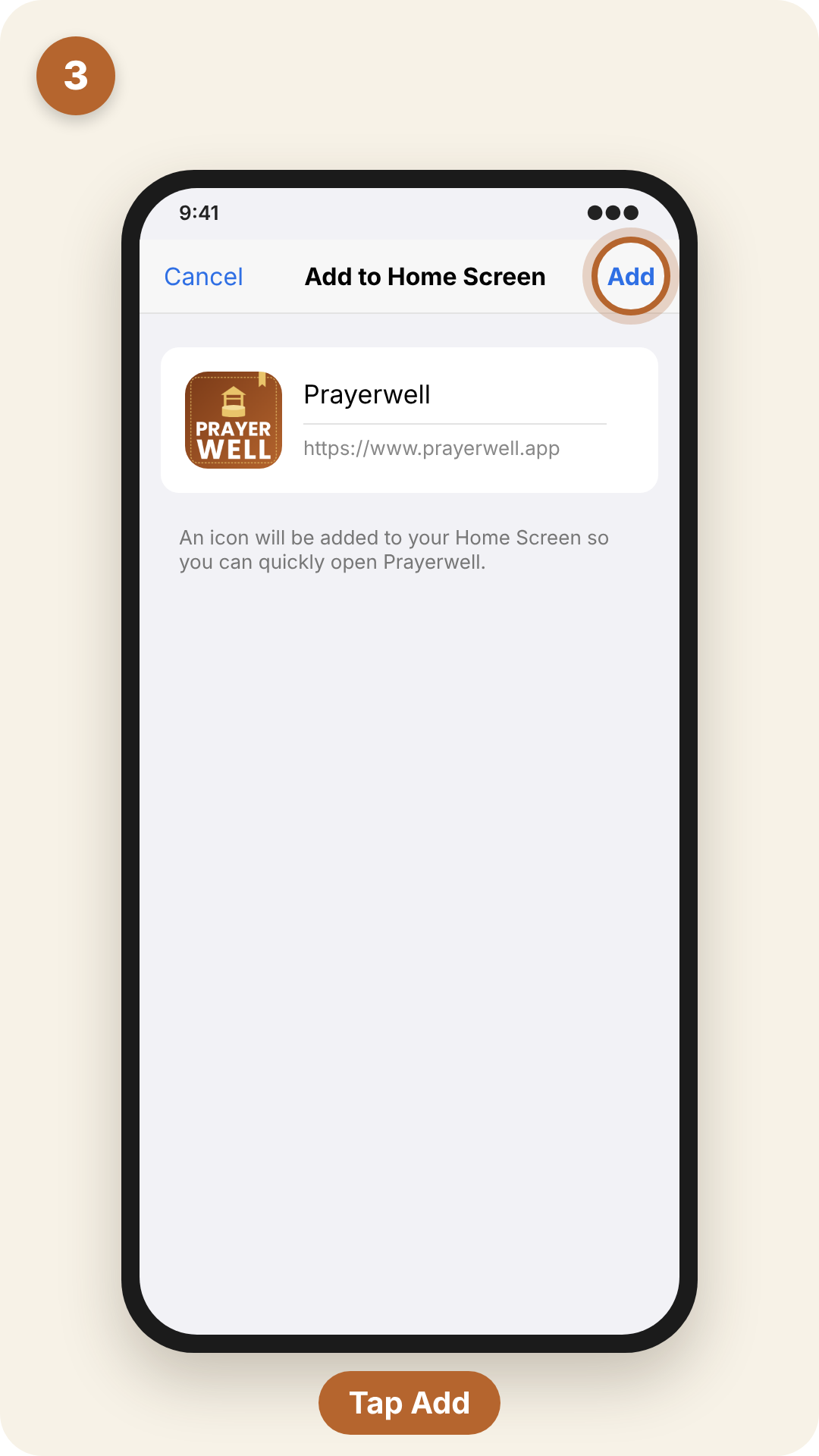
Tap Add in the top right corner.
If you see Open as Web App, leave it switched on.
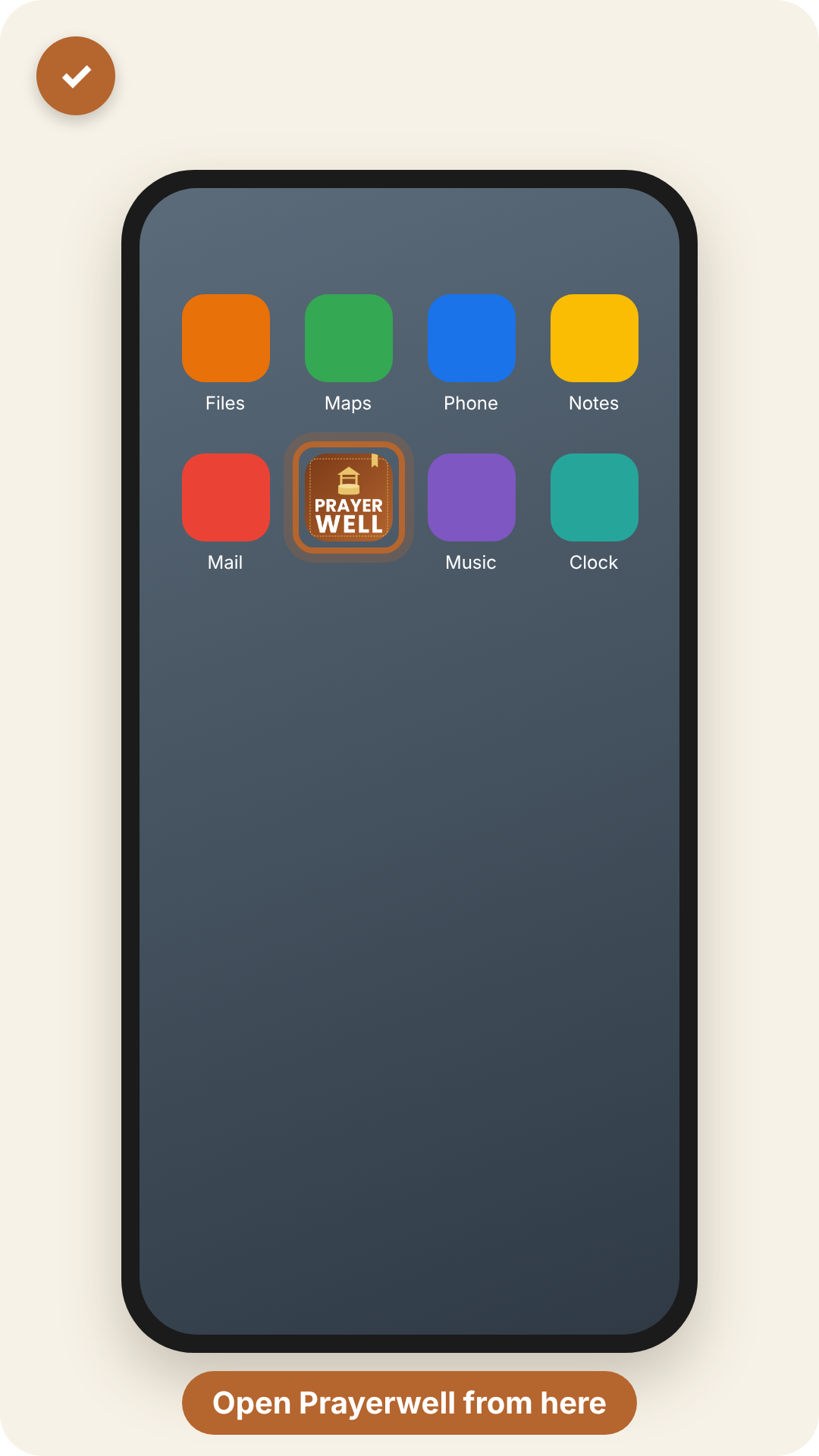
Prayerwell is now on your home screen. Open it from there.
Safari works best. In Chrome on iPhone, tap Share, then Add to Home Screen.